HardwareLG StanbyME 2
The entrance kiosk for your studio.
A 27-inch touchscreen on a wheeled stand: it welcomes clients, checks them in with their phone, shows today's classes and alerts reception when a pack or certificate needs sorting out.
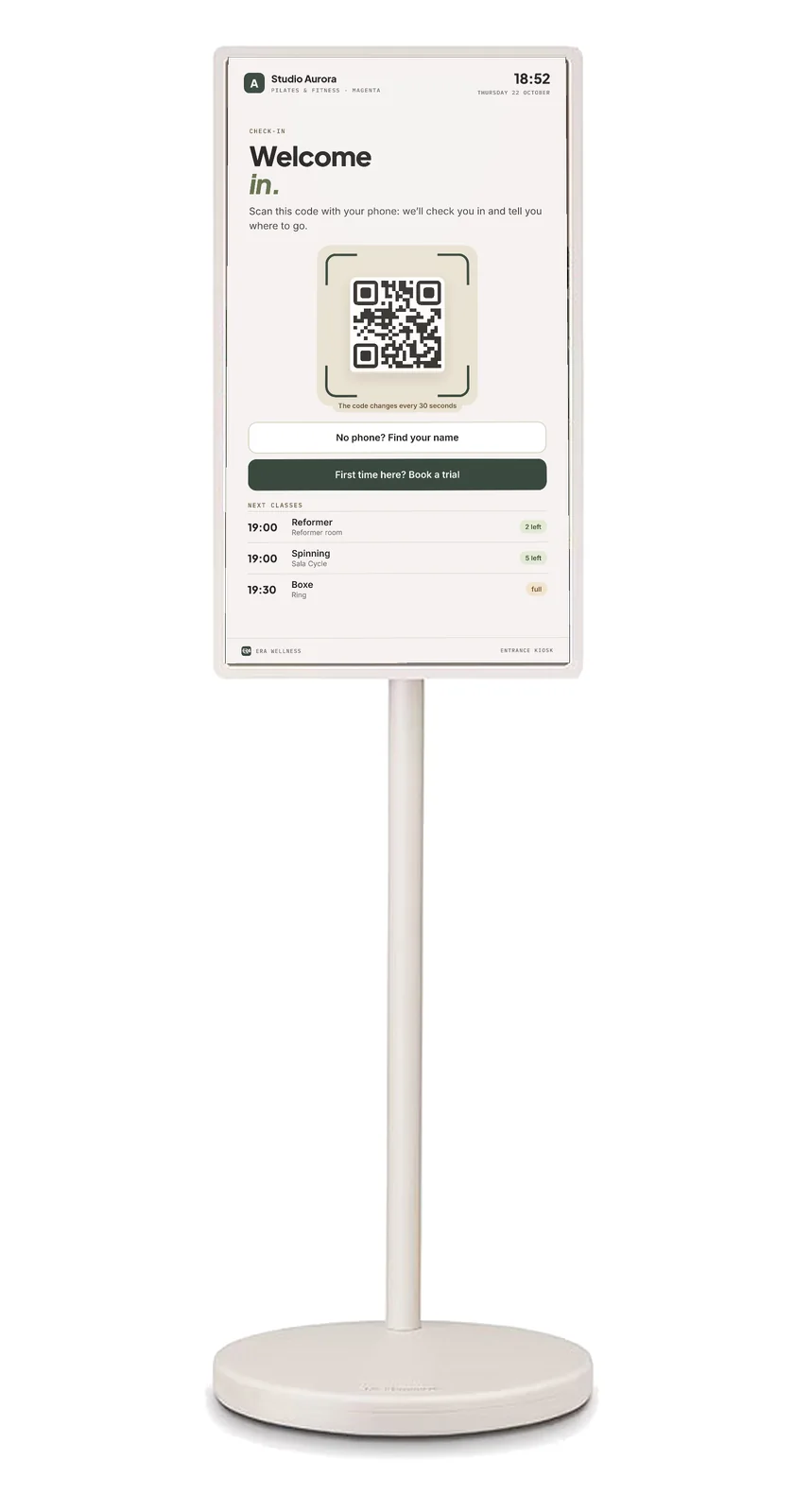
27"QHD 2560 × 1440 touch
4 hbattery life
2orientations: portrait and landscape
30 show often the check-in code changes
At the door
Three steps, no queue at the desk.
The kiosk works on the same data as the system: bookings, packs, memberships and certificates.
1
The client arrives.
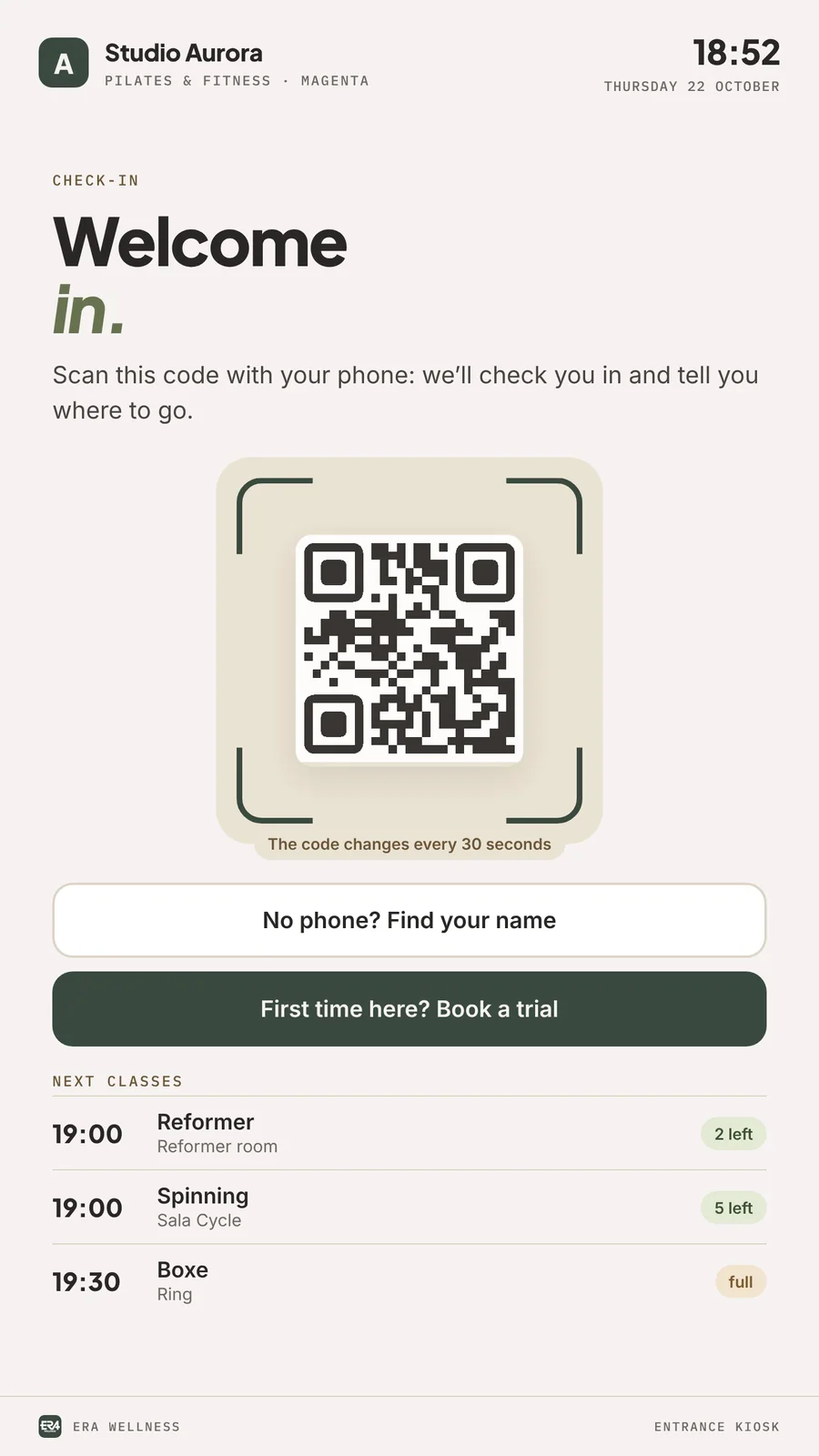
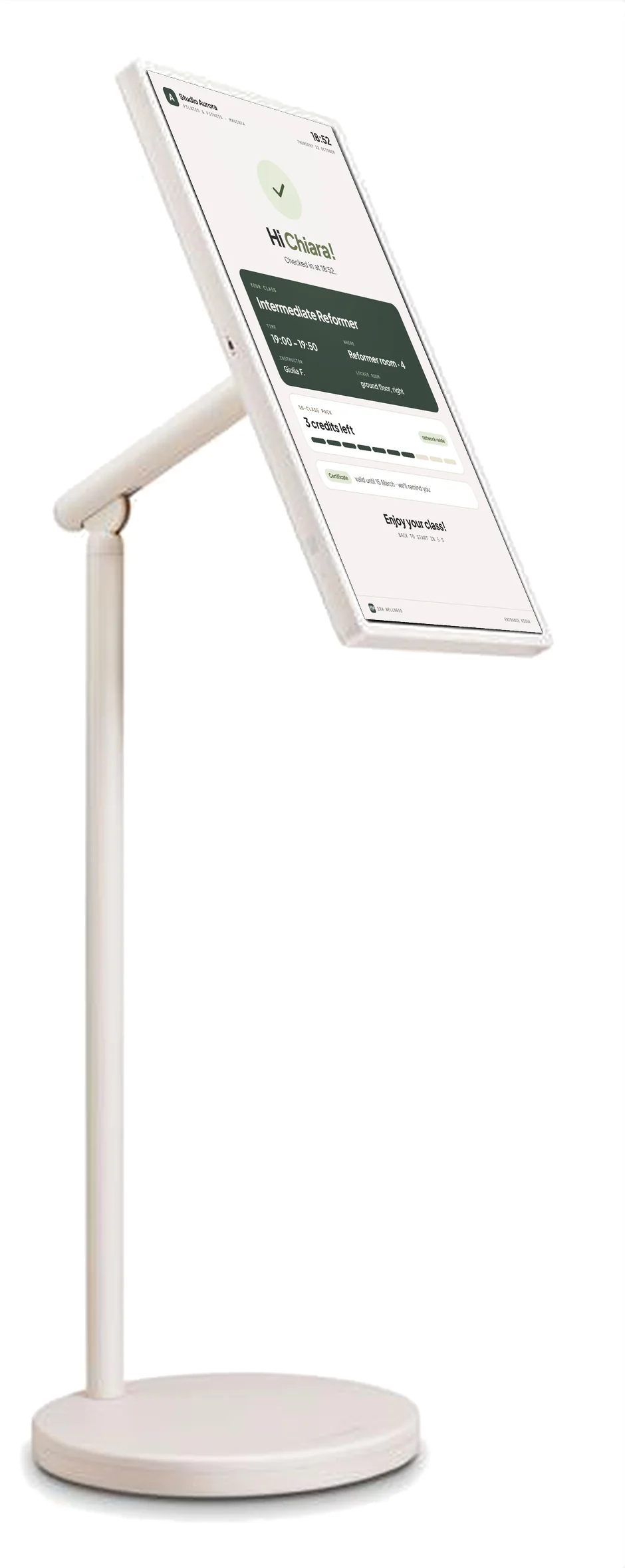
The kiosk shows the check-in code and the next classes, with places still free.
2
Scans with the phone.
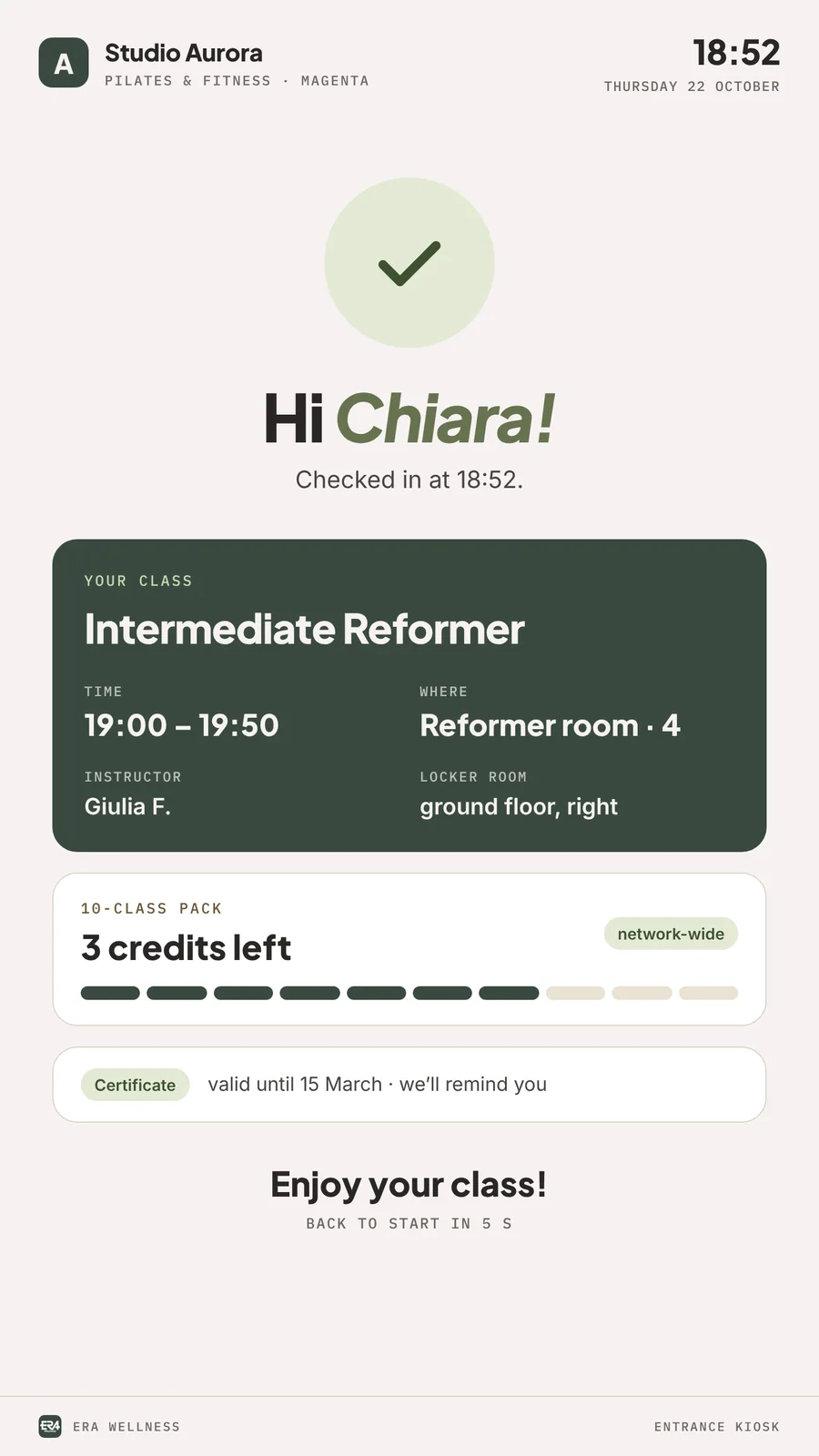
ERA Wellness recognises the client and checks the booking, remaining credits or membership and the medical certificate.
3
Goes in, or stops at the desk.
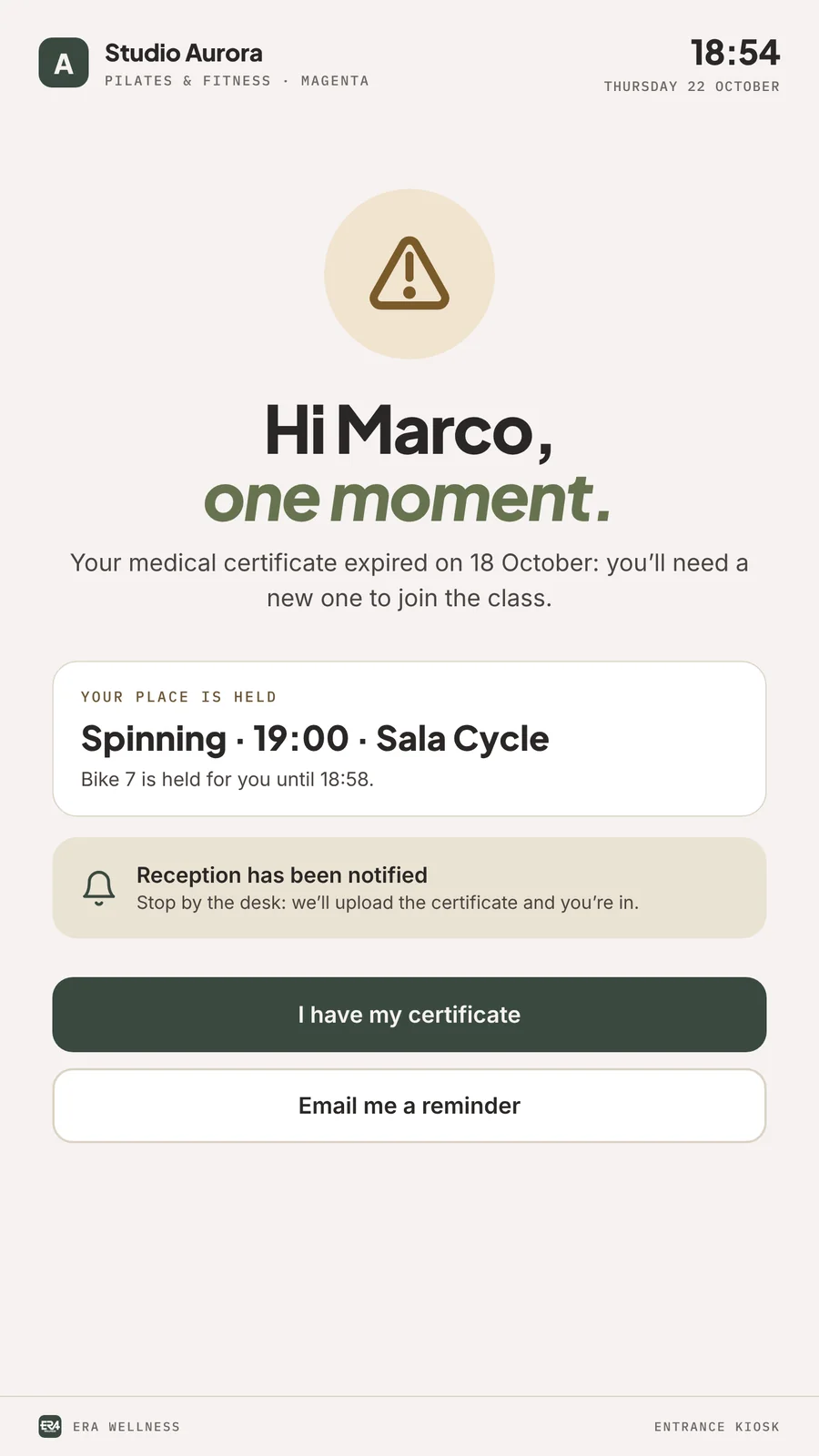
If everything is in order they see room and spot; otherwise the kiosk sends them to reception and alerts staff.
The screens
What clients see as they walk in.
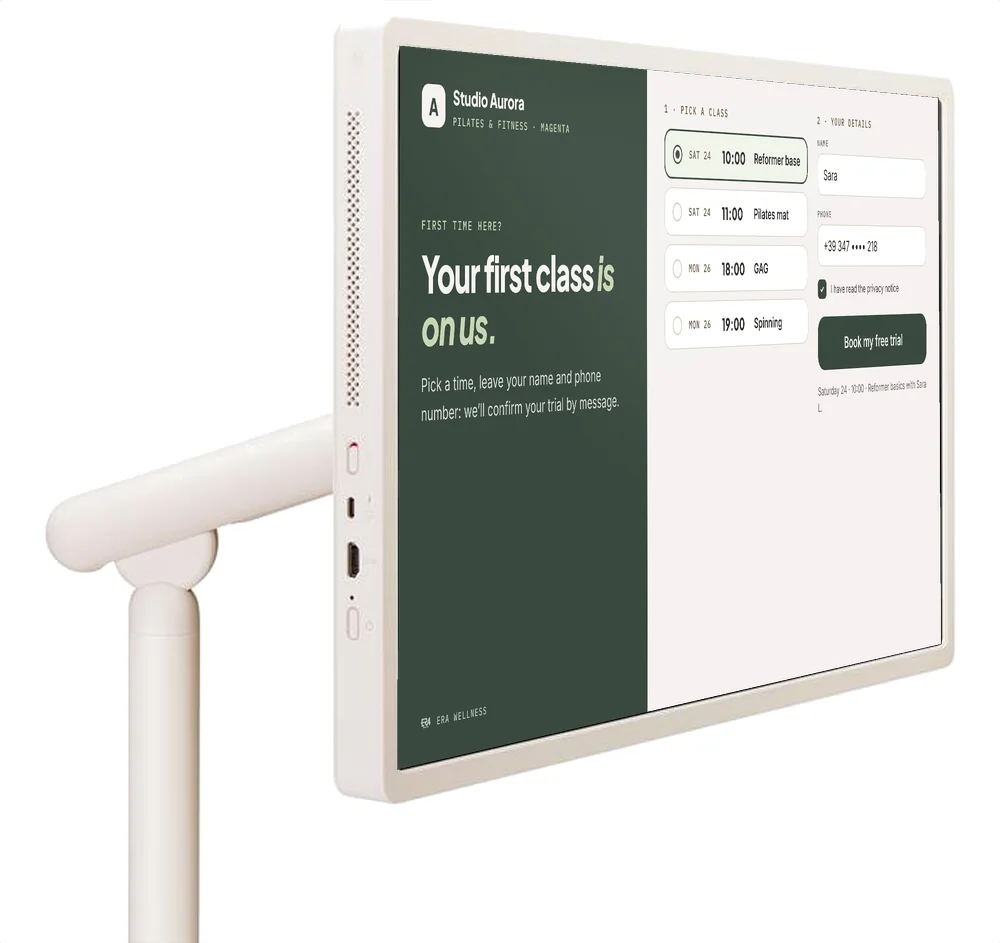
Kiosk screens carrying the studio's brand. Names, times and figures are examples.
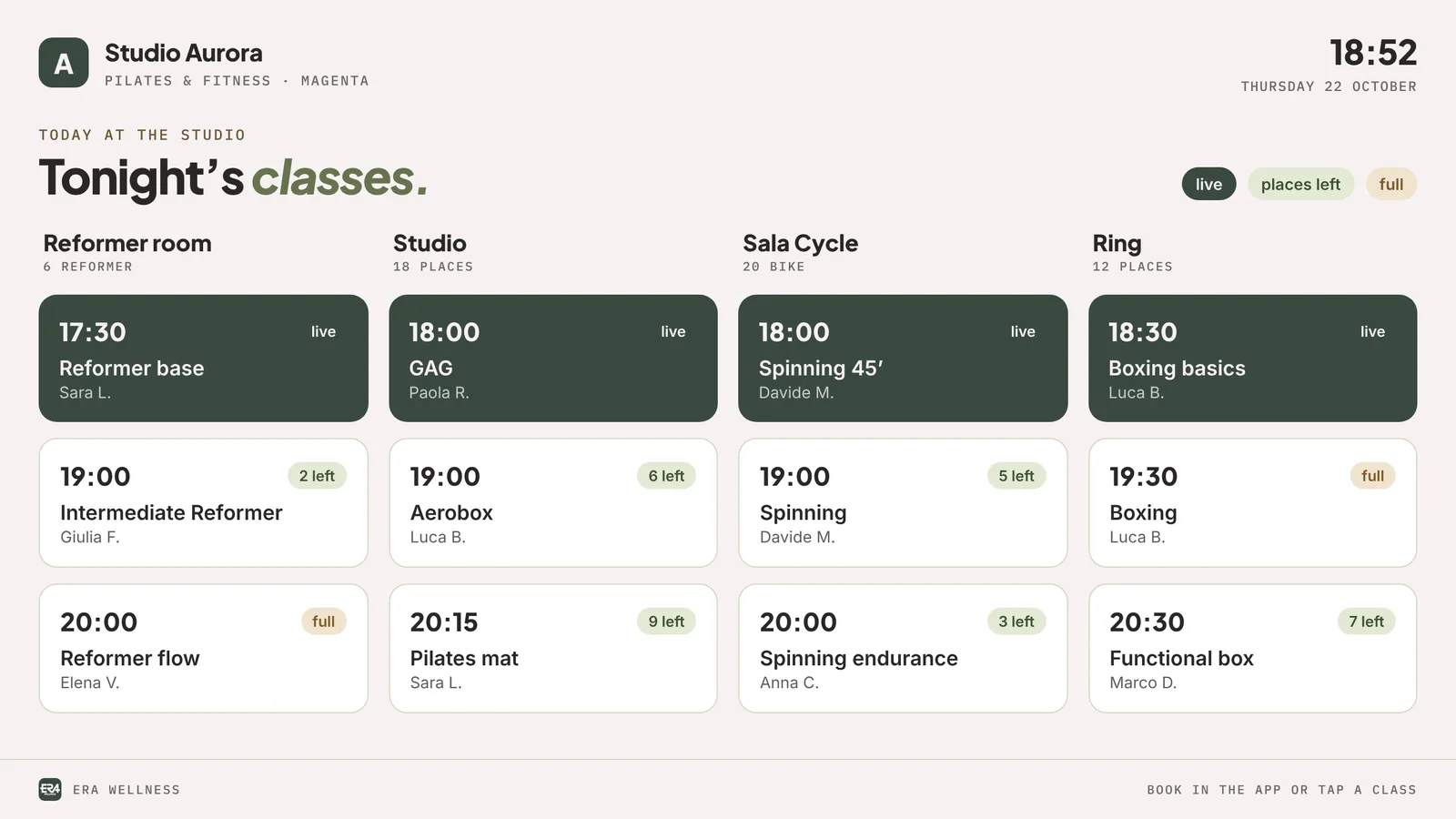
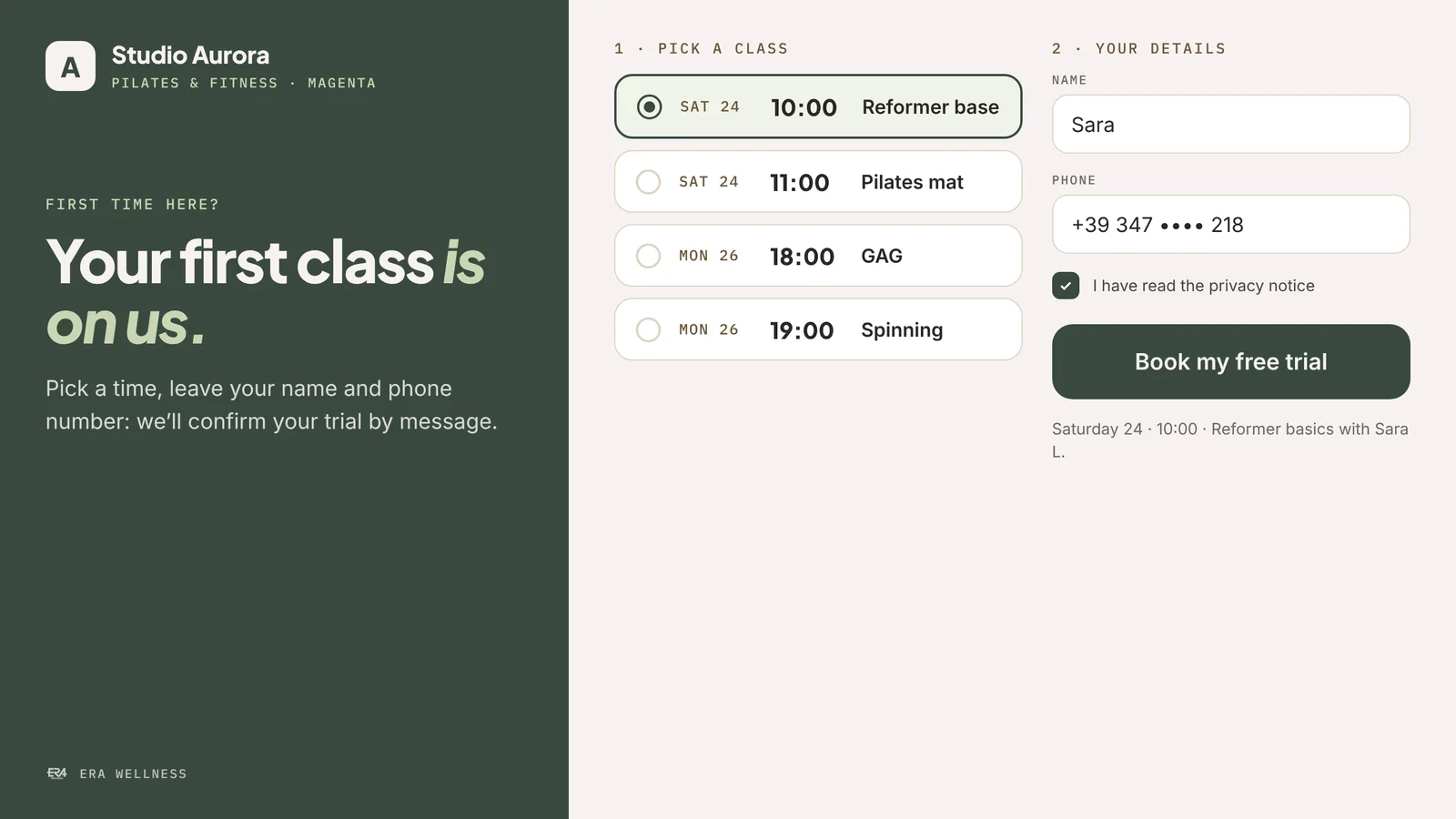
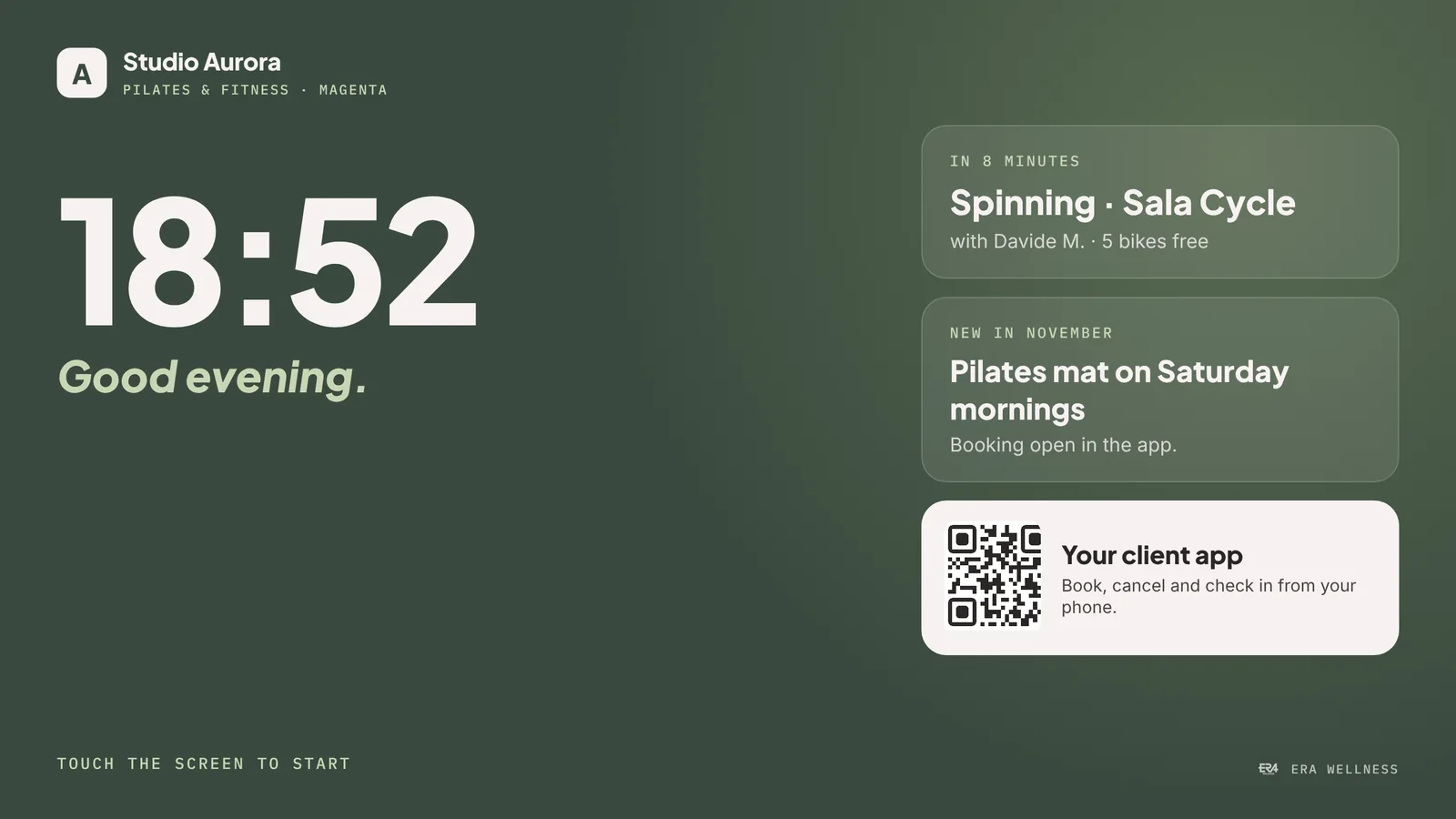
Portrait or landscape
Portrait to welcome, landscape for the timetable.
The screen rotates on its stand and the layout follows: in portrait it guides check-in, in landscape it becomes the board of the day's classes.
- Idle when nobody touches it, it shows the time, next class and studio news.
- New clients first-time visitors book a trial on their own and become a lead in the system.
- Moves around wheeled stand and battery: from the entrance to a room for an open day.
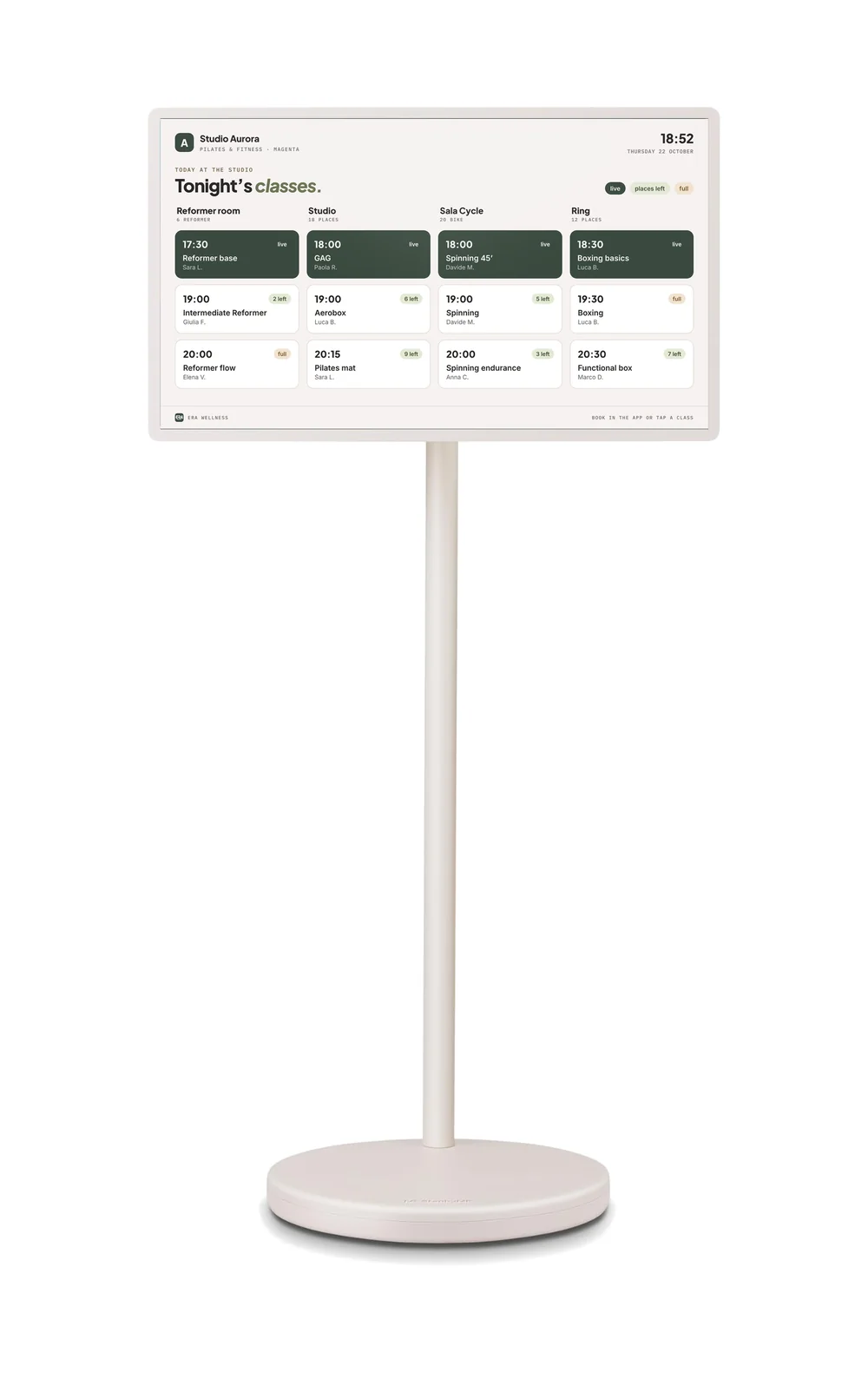
LG StanbyME 2
Fits your entrance.
Specs
The screen and the service.
- Display
- 27-inch QHD 2560 × 1440, touch
- Orientation
- portrait and landscape, swivelling and tilting screen
- Battery
- up to 4 hours of use (LG figure)
- Stand
- wheeled base; detachable screen with folio cover
- System
- webOS with a browser: the kiosk is an ERA Wellness page
- Set-up
- we set it up with your brand, locations and rules
- Supply
- on request, together with ERA Wellness activation
- Alternatives
- the screen works on any tablet or touchscreen with a browser
LG and StanbyME are trademarks of LG Electronics. Product images: LG Electronics; ERA Wellness screens with sample data. Technical features as published by the manufacturer.
FAQ
Frequently asked questions
Do I have to use the LG StanbyME 2?
No. The kiosk screen is an ERA Wellness page and runs on any tablet or touchscreen with a browser. We suggest the StanbyME 2 for its size, design and because it moves around with no installation.
Do clients need to download an app?
No. They scan the code with their phone camera and the client app opens in the browser. Clients without a phone can look up their name on the kiosk.
What happens if a pack or certificate isn't in order?
The kiosk never turns anyone away in front of others: it asks them to stop at reception, holds their place until a few minutes before class and alerts staff.
What personal data does the screen show?
Only the first name and the class details. After a few seconds the screen returns to the start, leaving no data on display.
How much does the kiosk cost?
The screen and set-up are quoted on request. The ERA Wellness licence is as shown on the pricing page.
See it on your studio.
We'll show you ERA Wellness set up for your industry, with your locations, your rooms and your timetable.
Book a demo